AVITO IMMOBILIER NEUF - Website Redesign Concept
Avito was my first project where I become a UX designer 7 years ago now. Collaborating with a team of web developers and project manager to create a platform for publication of new construction projects and integrate it with the rest of online classifieds in Adevinta.
This product needed an initial research to know about the market, and the user needs. After collect all the data and insights, we started building an early MVP to increase the user visits and lead conversion.
After this first stage, next steps were building a solid UI, improve the user experience and expand the navigation including a home page and listing page.
During the project live we were also, iterating and experimenting solutions for different countries where we integrated the platform, customising the product's need according to the behaviour of the user.
- Along the project, we raised a total of +33% conversion rate, and increase the organic traffic helping markets to achieve their Goals.
Goal
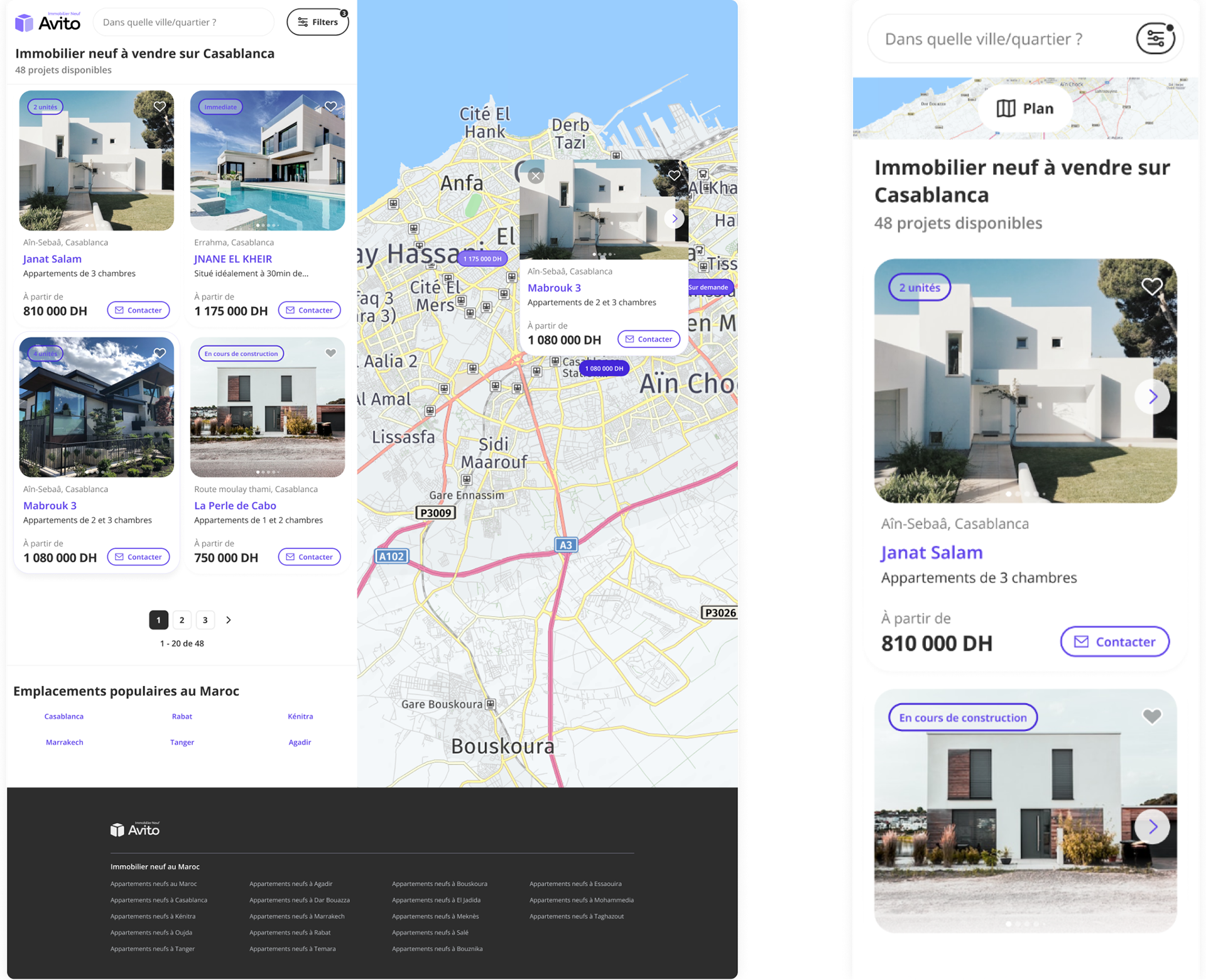
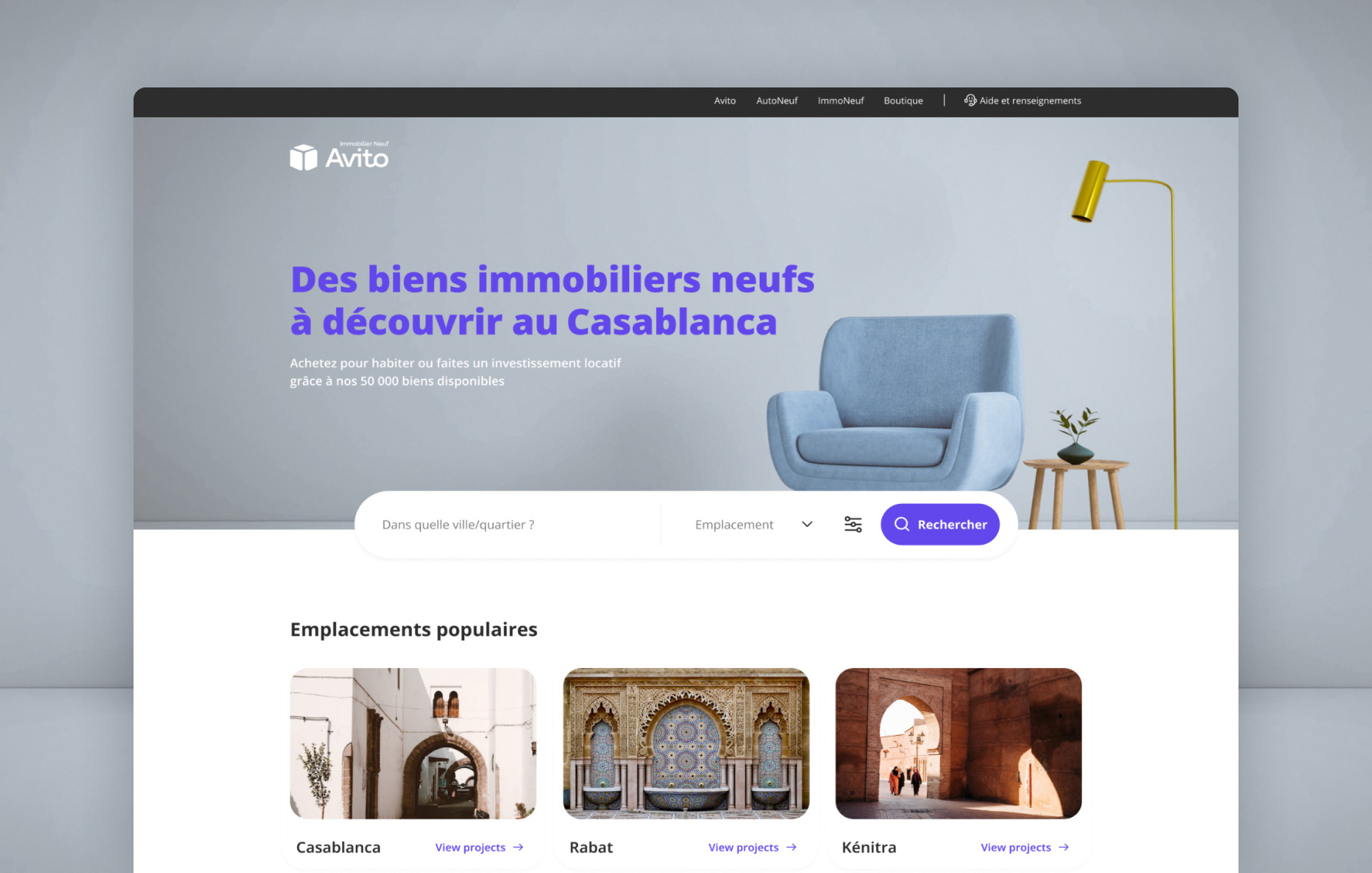
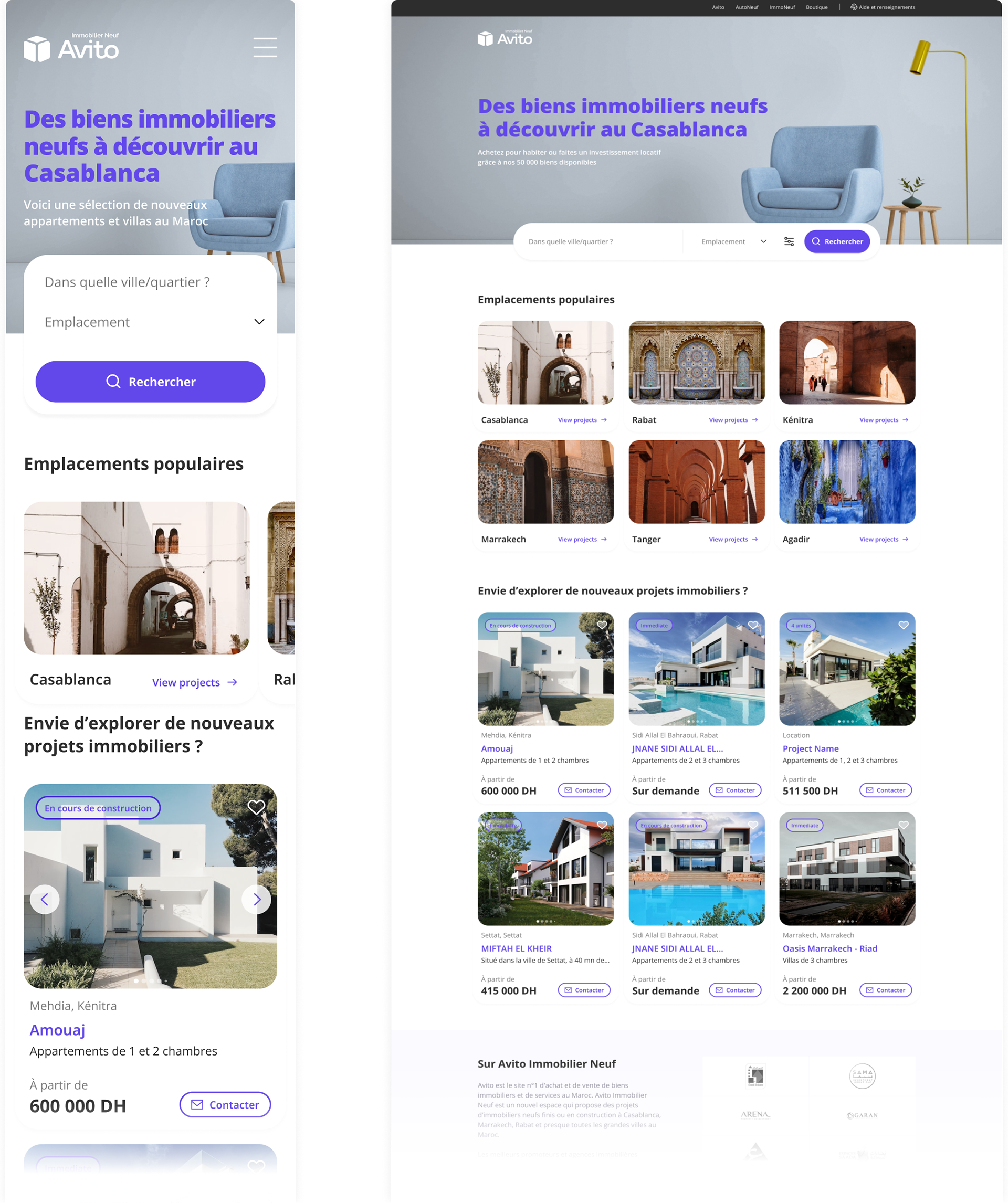
On this redesign concept, I've spent some time refreshing a UI for the whole site, without modifying the navigation flow. The main items affected are components, such as, project cards, search bars and tables all of them adapted with new trends.
Design Process
Early pandemic, a second phase of the project was cancelled, in order to save cost at the company. So the platform was delivered to each market, being these the responsible for the maintenance of the product. After a long time without being renewed, the current UI has an old and inconsistent look & feel. This is way, I want to take up a part of that second phase previously commented and brush up.
Iconography
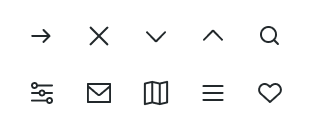
New icons, larger strokes and most consistency for the icon library.
Cards
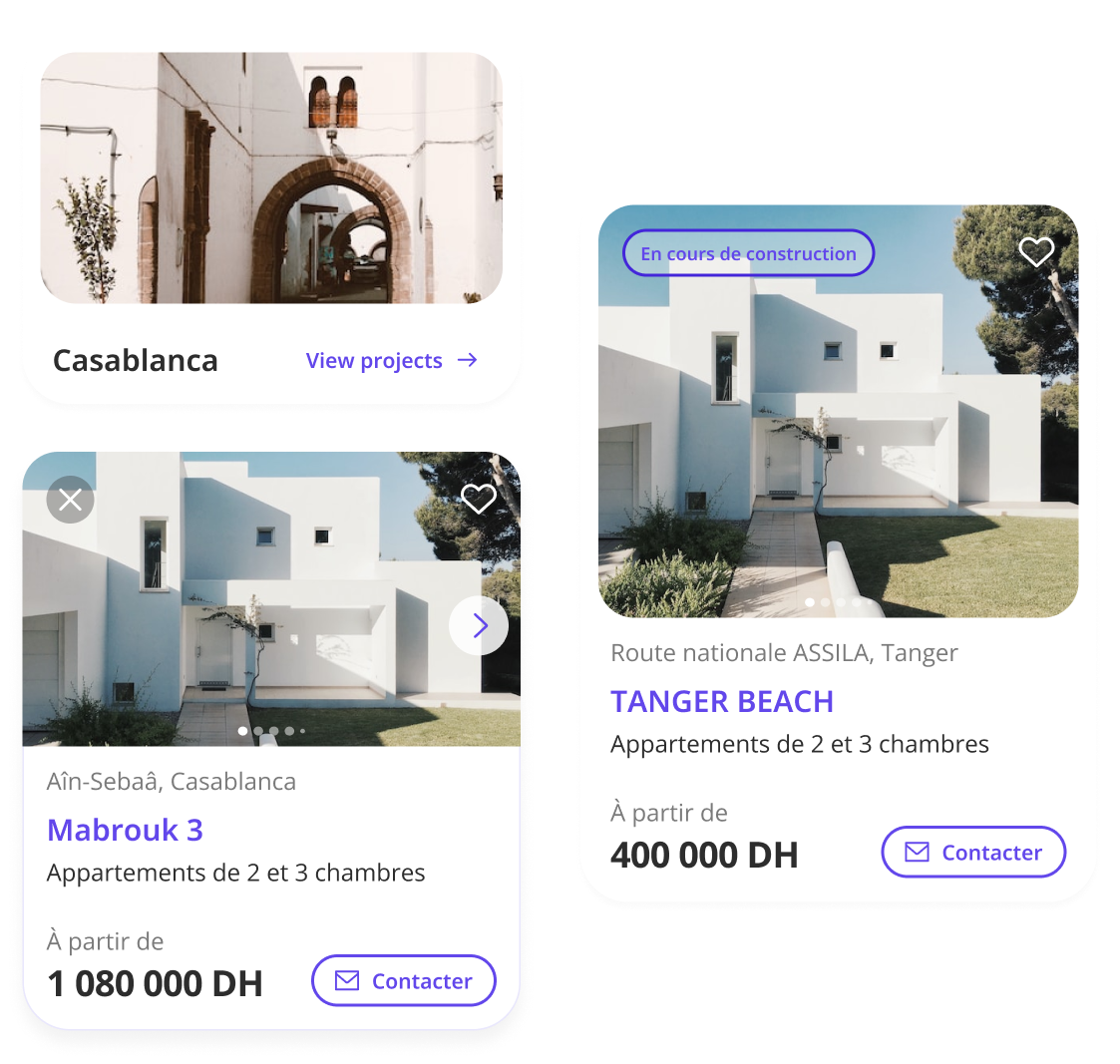
The consistence for all the cards has been improved, increasing the size of the project's images, to make it the more desirable to explore. Also, there are a new chip to show how is the project status. In terms of visual aspects, bigger rounded corners, new variants for default and hover state and a new UI for image slider.
Search Bar
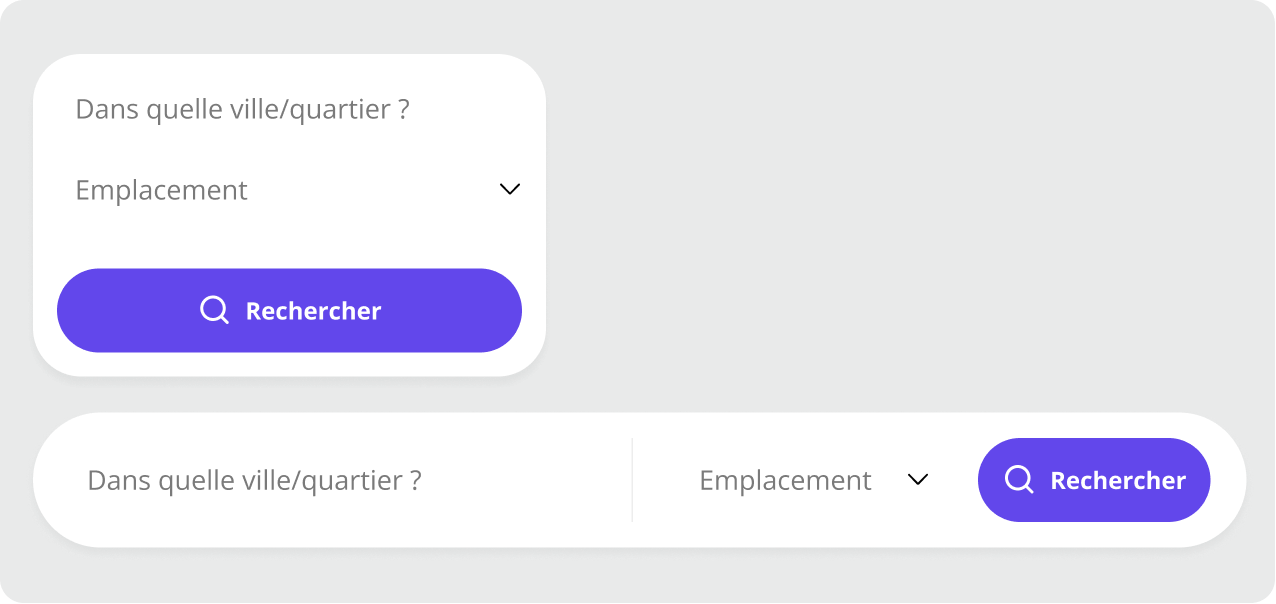
This new search bar, includes a selector for emplacements for both devices, desktop and mobile, furthermore, adding a search button will help users to understand a bit better the behaviour of the component.
Buttons
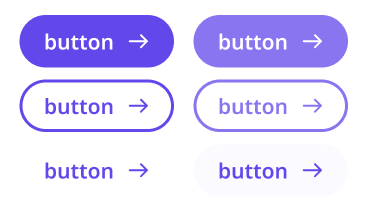
A new UI style for buttons have been added, rounded corners, new font size and bolder. Also, a new outlined variant which will be used as secondary.
Homepage Proposal
Listing Page Proposal